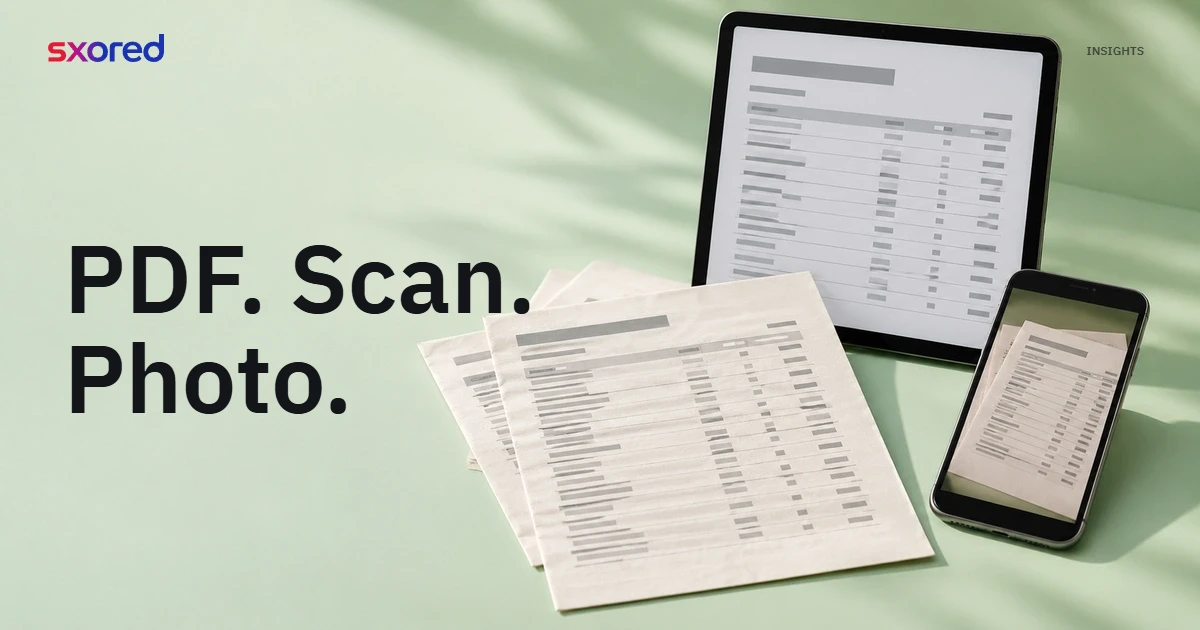
A single loan file can hold three kinds of bank statement at once. The operating account at a large bank arrives as an internet-banking PDF, the account at a regional development bank is a scan from the branch, and the last two months come as phone photos because the borrower is travelling. If each one has to be keyed into a spreadsheet by hand, analysis starts only after hours of administrative work.
The analyst’s question: can all of these be processed in one flow, without sorting documents by bank or format first?
Formats that can be processed
Sxored accepts bank statements in the forms credit teams commonly receive:
- Internet-banking or e-statement PDFs, including password-protected PDFs.
- Scanned PDFs of printed statements or passbooks.
- Phone photos in image formats.
- Mixed PDFs, such as an e-statement with a few scanned pages inserted.
Each page’s form is recognised automatically, so the analyst uploads files as they are. Pages with digital text are read directly, while scanned and photographed pages are read through OCR (optical character recognition).
Large, mid-sized and regional banks
Statement layouts differ from bank to bank: column order, where the balance sits, how dates are written, how debits and credits are marked. Sxored is built for statements from large banks, mid-sized banks and regional development banks (BPD), so a borrower who banks in several places still ends up in one transaction table with the same column layout.
For the analyst, that consistent layout is what saves time. Movements from different accounts can be compared side by side, and checks such as funds that leave and return can run across accounts.
Results follow the quality of the source
An internet-banking PDF gives the cleanest result because its text is already digital. A skewed scan, a blurred photo or a cropped page is harder to read, so each statement receives an extraction-quality score with a list of the checks that did not pass. The analyst sees straight away which pages need a closer look, or when it is quicker to ask the borrower for a better document.
Example: CV Sinar Bahari, a fictitious frozen-fish distributor, submits six months of statements from two banks. Four months from a large bank are downloaded PDFs and their balances reconcile. Two months from a BPD are phone photos; one page is flagged because opening balance plus movements does not equal the closing balance, a gap of IDR 4.500.000. The analyst opens the source page, sees one line hidden by a fold in the paper, and asks for a new photo of that page before the credit total is used.
The checks to run before using extracted data are covered in full in bank statement OCR and IDP: what to check before using data.
Summary
- Upload statements as they are: downloaded PDFs, scans, photos or a mix.
- Accounts at large, mid-sized and regional banks land in the same table layout.
- Prefer internet-banking PDFs when the borrower can provide them.
- Use the extraction-quality score to decide which pages to review first.
Sxored helps credit analysts turn bank statements from many banks and formats into a transaction table ready to review and correct, so the team’s time goes to analysis rather than copying figures.